
Everyone talks about “AI productivity.”
Most tools just create more tabs, more notifications, and more things to manage.
But a few? They genuinely give your time back.
These are the AI tools quietly running workflows for creators, founders, marketers, and remote teams in 2026. Some replace assistants. Some kill meetings. Some remove repetitive work so fast it almost feels illegal.
Here are the 10 best AI tools for Productivity worth keeping open every single day.
Table of Contents
Quick Comparison Table
| Tool | Best For | Biggest Strength | Estimated Time Saved | Best Users | Weakness |
|---|---|---|---|---|---|
| OpenAI + ChatGPT | Writing, research, brainstorming | Fast multi-purpose AI help | 2 to 4 hrs/day | Bloggers, marketers, founders | Needs strong prompts for best output |
| Fireflies.ai | Meeting summaries | Auto notes + action items | 3 to 5 hrs/week | Remote teams, agencies | Sometimes misses context in noisy calls |
| NotebookLM | Research and document analysis | Understands your uploaded files | 4 to 6 hrs/week | Researchers, content creators | PDF formatting can break occasionally |
| Zapier + Notion | Workflow automation | Connects entire business stack | 5 to 10 hrs/week | Startups, agencies | Advanced automations take setup time |
| Wispr Flow | Voice-to-text productivity | Turns speech into polished writing | 1 to 3 hrs/day | Writers, founders | Requires adjustment to voice workflow |
| Manus | AI task execution | Autonomous workflow handling | Growing potential | Power users, operators | Still evolving rapidly |
| Fyxer AI | Inbox management | Prioritizes and drafts emails | 4 to 6 hrs/week | Executives, founders | Can over-summarize threads |
| OpenClaw | Advanced AI automation | Open-source flexibility | Depends on workflow | Developers, AI enthusiasts | Not beginner-friendly |
| Comet | AI-first web browsing | Smarter search experience | 1 to 2 hrs/day | Researchers, heavy web users | Still early-stage ecosystem |
| Lightpage + Toki | Scheduling + workflow organization | Reduces daily friction | 2 to 4 hrs/week | Busy professionals | Smaller ecosystems than big competitors |
Top 10 AI Productivity Tools 2026
1. OpenAI + ChatGPT Still Runs Half the Internet
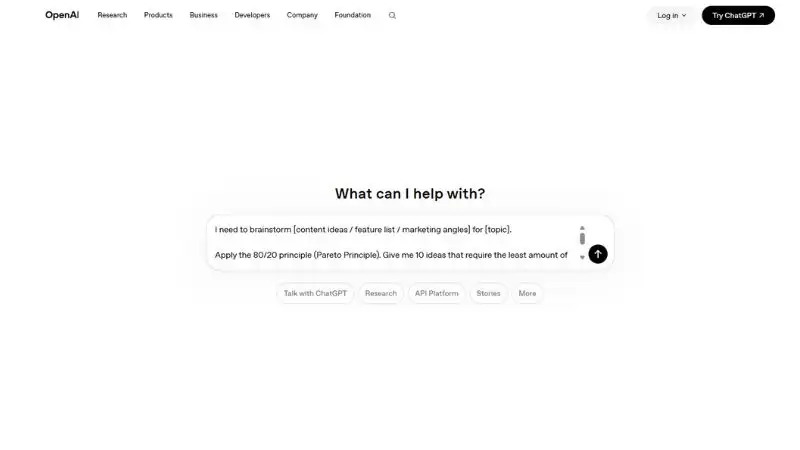
Let’s just say it.
Most “AI workflows” still start here.
Writing drafts. Research. Emails. Coding. Strategy. Brainstorming. Even YouTube scripts.
The difference in 2026 is simple. People who know how to prompt properly are moving way faster than everyone else.
The biggest productivity hack isn’t using AI. It’s learning how to communicate with it clearly.
Use it for:
- Content outlines
- Ad copy
- SEO ideas
- Spreadsheet cleanup
- Client communication
- Fast research summaries
If you’re not using AI daily yet, you’re probably doing 2022-level work in a 2026 market.
How This Fits Into My Daily Workflow
I use ChatGPT to turn rough blog ideas into SEO-ready outlines, rewrite boring sections, generate headline angles, and speed up client research. A 3-hour writing task usually drops to under 1 hour.
Who Should Use This
Best for bloggers, marketers, freelancers, startup founders, and creators managing multiple tasks daily.
Pros
- Massive time saver
- Great for brainstorming and writing
- Handles research, coding, summaries, and strategy
- Constantly improving
Cons
- Weak prompts = average results
- Can sound generic without editing
- Needs fact-checking sometimes
2. Fireflies.ai Makes Meetings Less Painful
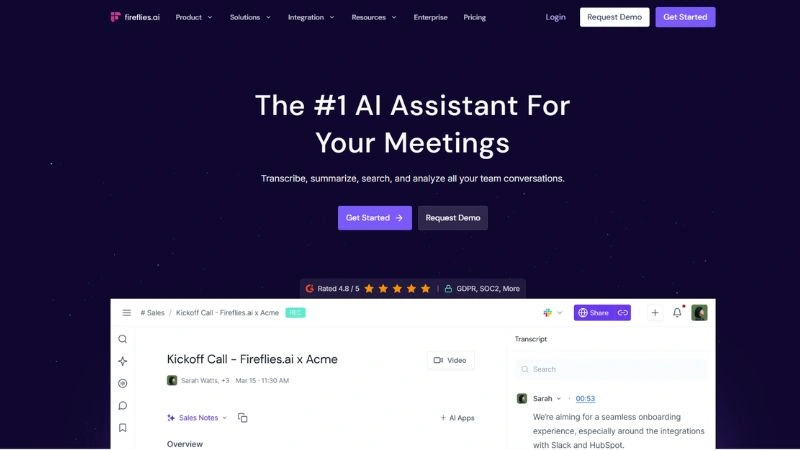
Nobody wants to rewatch a 45-minute Zoom call.
That’s why Fireflies became a must-have for remote teams.
It joins meetings automatically, records everything, creates summaries, extracts action points, and even tracks who said what.
The real win?
You stop taking notes and actually focus on the conversation.
For agencies and startups, this tool alone can save several hours every week.
Why Teams Love This Tool
Fireflies joins team meetings automatically, creates summaries, and pushes notes into Notion. No manual note-taking. No forgotten action items.
Who Should Use This
Perfect for agencies, remote teams, sales calls, consultants, and startup operations.
Pros
- Automatic meeting notes
- Saves hours of admin work
- Easy searchable transcripts
- Great for remote collaboration
Cons
- Occasionally misses speaker context
- Long transcripts can feel cluttered
- Accuracy depends on audio quality
3. Zapier + Notion Is Still the Ultimate Automation Combo
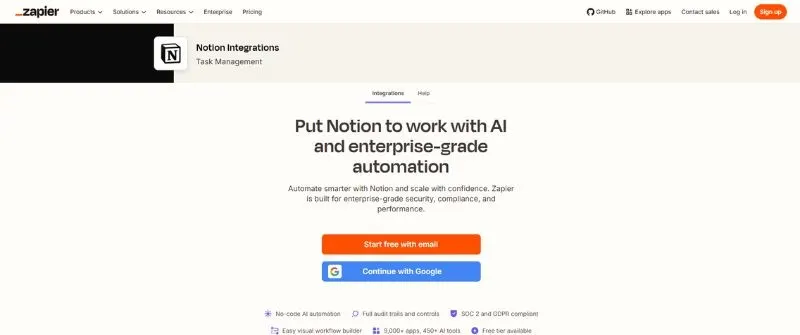
This duo quietly replaces interns.
No joke.
You can automate:
- Lead collection
- Blog publishing
- CRM updates
- Social scheduling
- Email follow-ups
- Task creation
Example:
Someone fills your website form → Zapier sends data to Notion → Creates a task → Sends a Slack alert → Adds contact to email campaign.
Zero manual work.
Most businesses still waste hours copying information between apps. Automation fixes that instantly.
Why This Tool Stays Open All Day
When a client submits a form, Zapier automatically creates a Notion task, sends Slack alerts, stores lead data, and triggers follow-up emails.
Who Should Use This
Ideal for agencies, ecommerce brands, SaaS teams, freelancers, and operations-heavy businesses.
Pros
- Eliminates repetitive work
- Connects thousands of apps
- Massive workflow flexibility
- Saves huge admin time
Cons
- Advanced setups take learning
- Automation costs can grow fast
- Too many zaps can become messy
4. Wispr Flow Feels Like Cheating
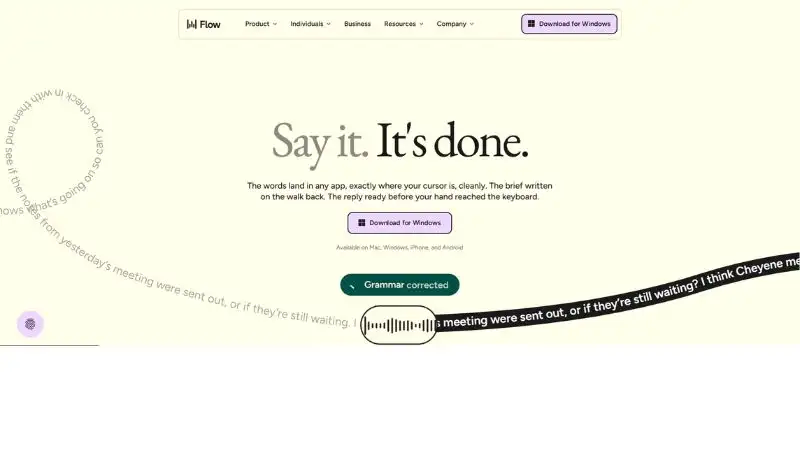
Typing is slow.
Talking isn’t.
Wispr Flow lets you speak naturally while AI converts it into polished writing in real time.
Writers love it because it captures ideas before they disappear.
Founders love it because they can dump thoughts while walking, driving, or multitasking.
Honestly, once you get comfortable with voice-first workflows, typing starts feeling outdated.
Where This Saves Hours Every Week
Instead of typing first drafts manually, creators can speak naturally while Wispr Flow converts thoughts into polished text instantly.
Who Should Use This
Great for writers, founders, ADHD-style thinkers, multitaskers, and mobile-first workers.
Pros
- Faster than typing
- Captures ideas quickly
- Feels natural after adjustment
- Excellent for brainstorming
Cons
- Requires a quiet environment
- Voice corrections are still needed sometimes
- Takes time adapting to voice workflows
5. NotebookLM Is a Research Monster
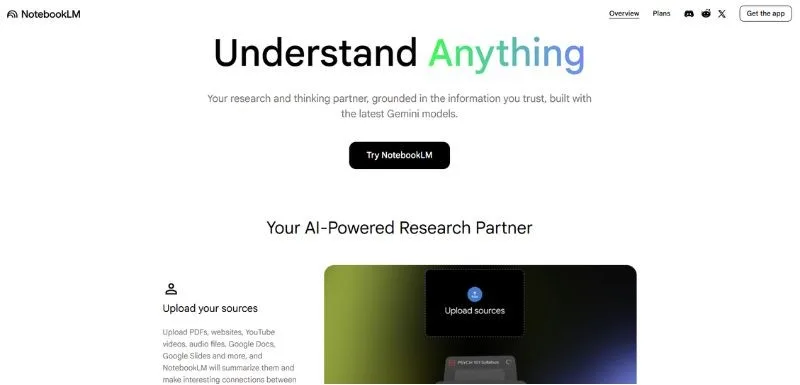
This might be Google’s most underrated AI product.
Upload PDFs, docs, meeting notes, research files, YouTube transcripts, whatever.
Then ask questions like:
- “Summarize this.”
- “Find contradictions.”
- “Create a strategy.”
- “Turn this into blog content.”
It’s basically like having an AI analyst trained only on your information.
That context awareness is what makes it dangerous.
What This Tool Is Best At
Upload PDFs, YouTube transcripts, and research docs into NotebookLM, then ask it to create blog outlines, summaries, FAQs, and strategy notes instantly.
Who Should Use This
Best for researchers, bloggers, YouTubers, students, and content teams handling large information sets.
Pros
- Learns from your uploaded content
- Incredible for research workflows
- Fast summarization
- Strong contextual understanding
Cons
- Formatting issues with messy PDFs
- Still limited compared to full workspace tools
- Requires organized source material
6. Manus Shows Where AI Agents Are Headed
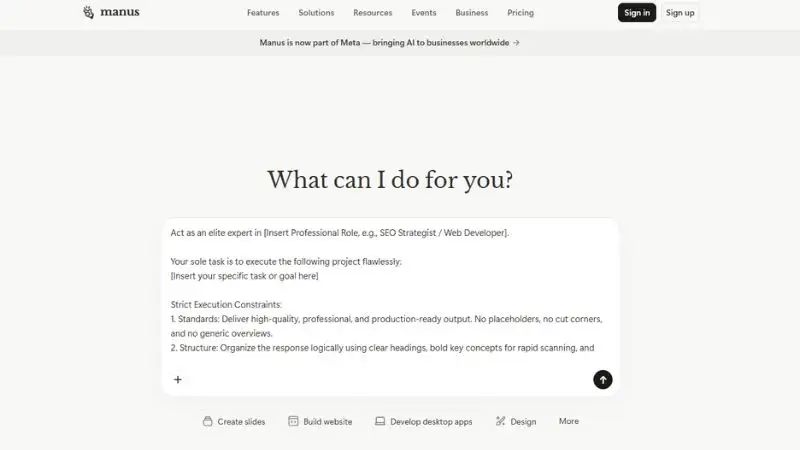
Most AI tools still wait for instructions.
Manus starts acting more like a digital operator.
Researching. Browsing. Completing tasks. Connecting workflows.
We’re entering the era where AI doesn’t just answer questions. It executes.
That shift is massive for productivity.
Especially for solopreneurs trying to scale without hiring large teams.
How This Fits Into a Daily Workflow
Manus can research topics, browse information, organize findings, and assist with multi-step workflows without constant manual input.
Who Should Use This
Best for advanced users, AI enthusiasts, operators, and solopreneurs scaling workflows.
Pros
- Strong AI agent potential
- Handles multi-step tasks
- Reduces repetitive operations
- Future-focused workflow tool
Cons
- Still evolving rapidly
- Not beginner-friendly yet
- Some workflows feel experimental
7. Fyxer AI Cleans Up Email Chaos
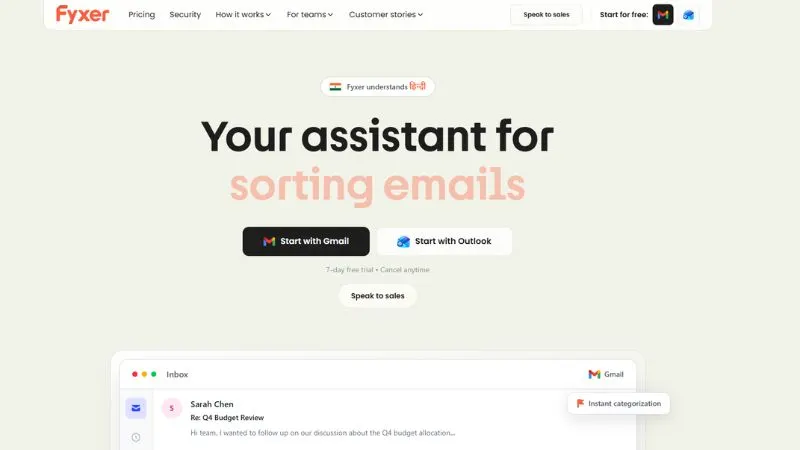
Email is still where productivity goes to die.
Fyxer helps by drafting replies, organizing inboxes, summarizing conversations, and prioritizing what actually matters.
The biggest benefit isn’t speed.
It’s mental clarity.
Less inbox stress means more focus on actual work.
And honestly, most founders spend way too much brainpower inside Gmail.
My Favorite Use Case
Fyxer organizes inboxes, drafts replies, summarizes threads, and highlights important emails automatically every morning.
Who Should Use This
Perfect for founders, executives, freelancers, consultants, and busy professionals drowning in email.
Pros
- Reduces inbox overload
- Fast email drafting
- Prioritizes important conversations
- Improves focus
Cons
- AI summaries can miss nuance
- Over-reliance may reduce personalization
- Needs trust before full adoption
8. OpenClaw Is Wild for Power Users
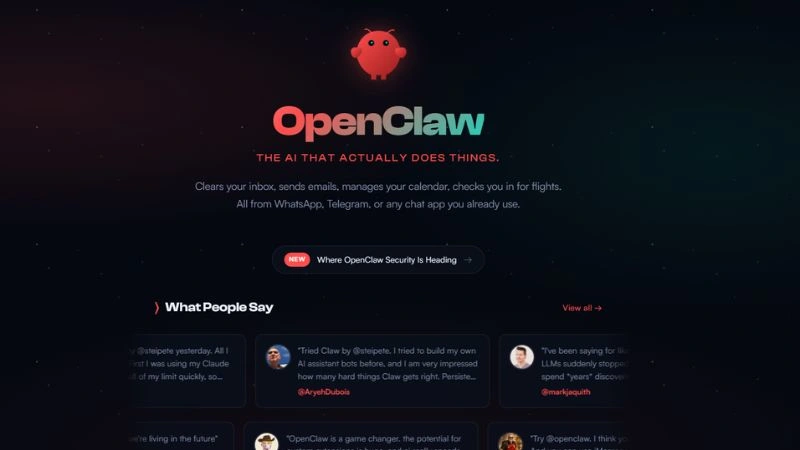
This one feels more experimental, but insanely powerful.
OpenClaw is part of the growing wave of open-source AI automation tools designed for advanced workflows.
Think browser actions, AI control systems, automation chains, and task execution.
Not beginner-friendly yet.
But if you love tweaking systems and building custom AI workflows, this space is exploding fast.
How Teams Are Using It
Power users use OpenClaw to automate browser tasks, AI workflows, and repetitive digital actions through custom setups.
Who Should Use This
Best for developers, tinkerers, automation nerds, and AI workflow builders.
Pros
- Highly customizable
- Open-source flexibility
- Strong automation potential
- Community-driven innovation
Cons
- Technical learning curve
- Setup can feel overwhelming
- Documentation still improving
9. Comet Could Change How We Browse the Web
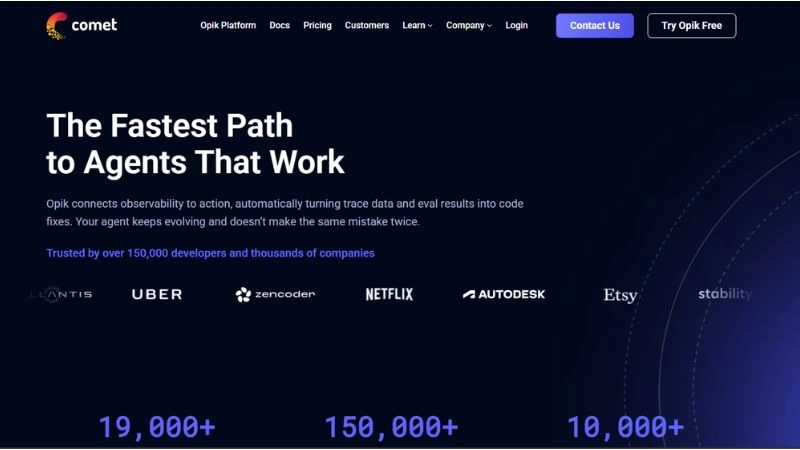
Traditional browsers feel old now.
Comet is trying to turn browsing into an AI-first experience.
Instead of searching manually through endless tabs, AI helps summarize pages, answer questions, and guide navigation instantly.
This category is still evolving.
But AI-native browsers are probably the next major productivity shift after AI chat assistants.
Where This Saves the Most Time
Comet helps summarize websites, answer questions while browsing, and reduce endless tab switching during research sessions.
Who Should Use This
Great for researchers, students, writers, analysts, and heavy web users.
Pros
- AI-native browsing experience
- Faster web research
- Reduces information overload
- Smart page summarization
Cons
- Early-stage product category
- Limited ecosystem currently
- Traditional browser habits take time to change
10. Lightpage and Toki Are Quietly Building Smart Workflows
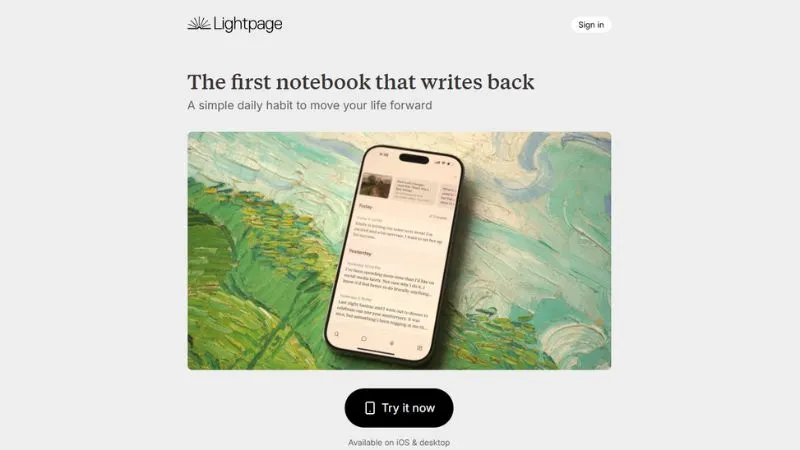
Not every great AI tool becomes mainstream overnight.
Some quietly solve annoying daily problems:
- Smarter scheduling
- Faster collaboration
- Workflow organization
- AI-assisted task management
That’s where tools like Toki and Lightpage stand out.
They reduce small friction points that slowly drain energy during the day.
And productivity is usually lost in small moments, not giant disasters.
How I’d Actually Use This
These tools help automate scheduling, organize workflows, and reduce small productivity bottlenecks across the workday.
Who Should Use This
Best for busy professionals, creators, managers, and remote workers juggling multiple responsibilities.
Pros
- Simplifies scheduling
- Cleaner daily workflows
- Helps reduce mental clutter
- Easy productivity improvements
Cons
- Smaller ecosystems than larger competitors
- Less community support currently
- Some features still developing |
The Bigger Trend Nobody Can Ignore
The best AI tools in 2026 don’t just “generate content.”
They remove friction.
That’s the real shift.
Less context switching. Less repetitive work. Fewer meetings. Faster decisions.
The people winning with AI right now are not necessarily smarter.
They’re simply operating faster with fewer bottlenecks.
And honestly, that gap is getting bigger every month.
Final Takeaway
If you only try three tools from this list, start with:
- NotebookLM
- Fireflies AI
- Zapier + Notion
Those alone can transform how you work every week.
Then build from there.
Because the future of productivity isn’t about working harder anymore.
It’s about removing everything that slows you down.